Labs2026Side project · 6 min
旅のしおり · tabi no shioriAn itinerary you can hold.
A nine-day trip to Tokyo, Osaka and Kyoto, planned not as a document but as a cloth-bound booklet lying open on a desk. Pages turn, index tabs move from the right edge to the left as you read, photos flip over for a note, and each city's stamp inks in as you tick off its plans. One HTML file; it works on a phone in a train tunnel.
- Role
- Designer and builder, solo, with an AI pair-engineer
- For
- Two travellers, 22–30 November 2026
- Built with
- One HTML file, no backend · localStorage · four Google fonts
- Photos
- Wikimedia Commons, CC-licensed, credited on the back of each polaroid
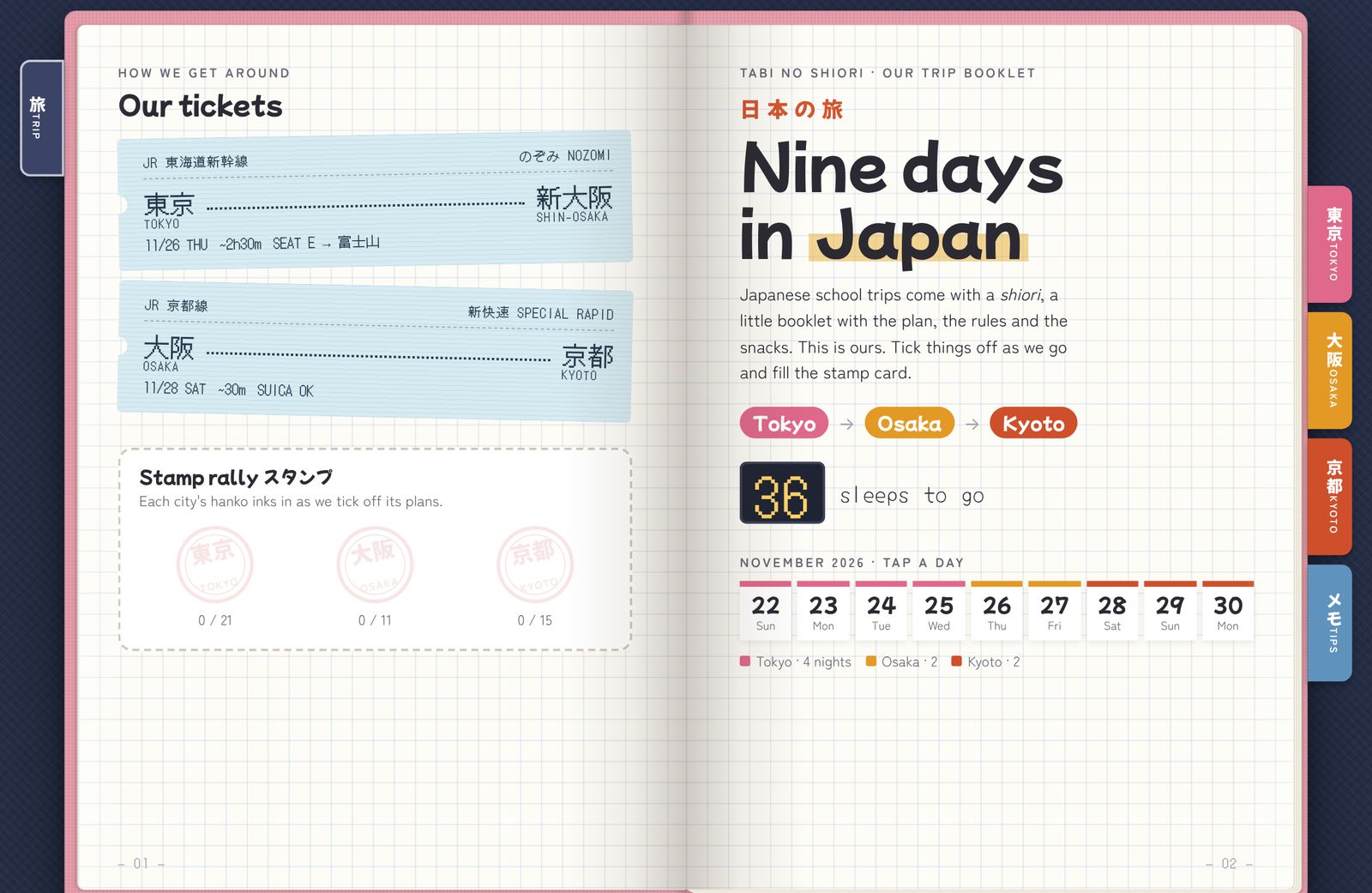
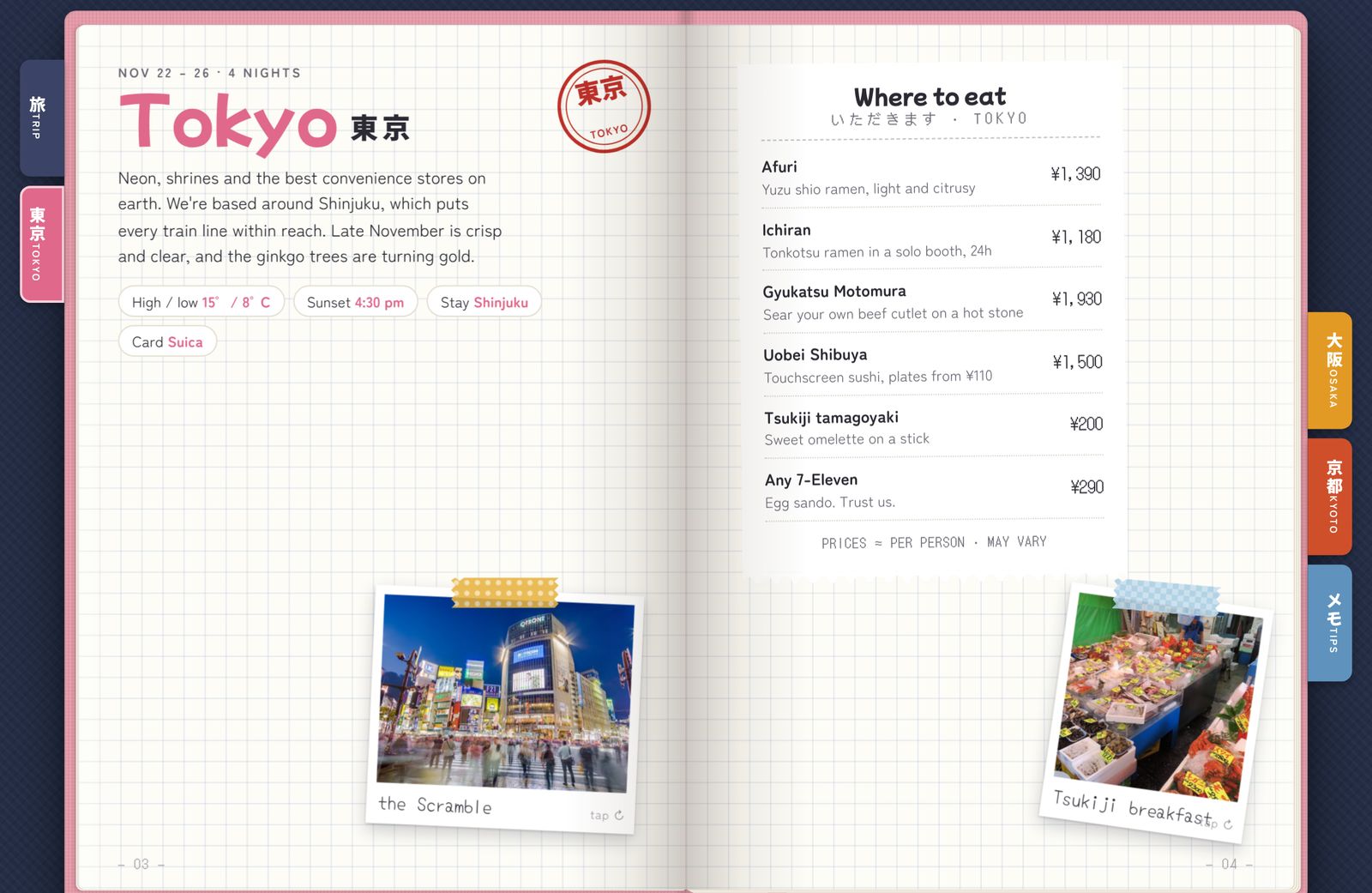
real spreads from the booklet · tap the corners
01
Why a book
A list is for planning. A book is for going.
The usual trip plan is a shared document: excellent at being edited, bad at being used. On the day it is a wall of text on a small screen, with the one thing you need somewhere in the middle. Japanese school trips come with a shiori, a little booklet with the plan, the rules and the snacks, and the children carry it around all week. I wanted ours to feel like that: a thing you open, not a file you search.
THE DOC
Everything, in order
Dates, addresses, bookings, tips, all in one scroll. Great the week before. On a platform in Shinjuku it is a search problem.
THE APP
Somebody else's shape
Itinerary apps know about flights and hotels. They do not know about the egg sando, the escalator side, or which seat to book for Fuji.
THE BOOKLET
A page per day
Open to today. Tick things off. Read the sticky note in the margin. Turn the page when the day is done.
Make the plan an object.
Objects have a front and a back, a weight, a place you are up to. A booklet gives the trip those things: a cover to open on the plane, tabs that show how much is left, a page that is today. Most of the design decisions below follow from taking the metaphor seriously instead of decorating a list with it.
02
The object
Scrapbook, not screen.
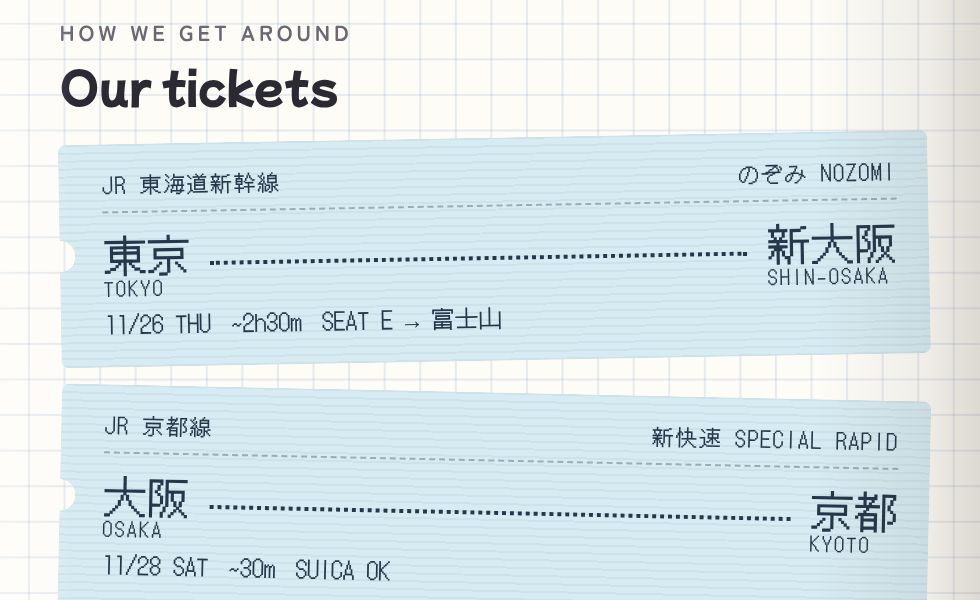
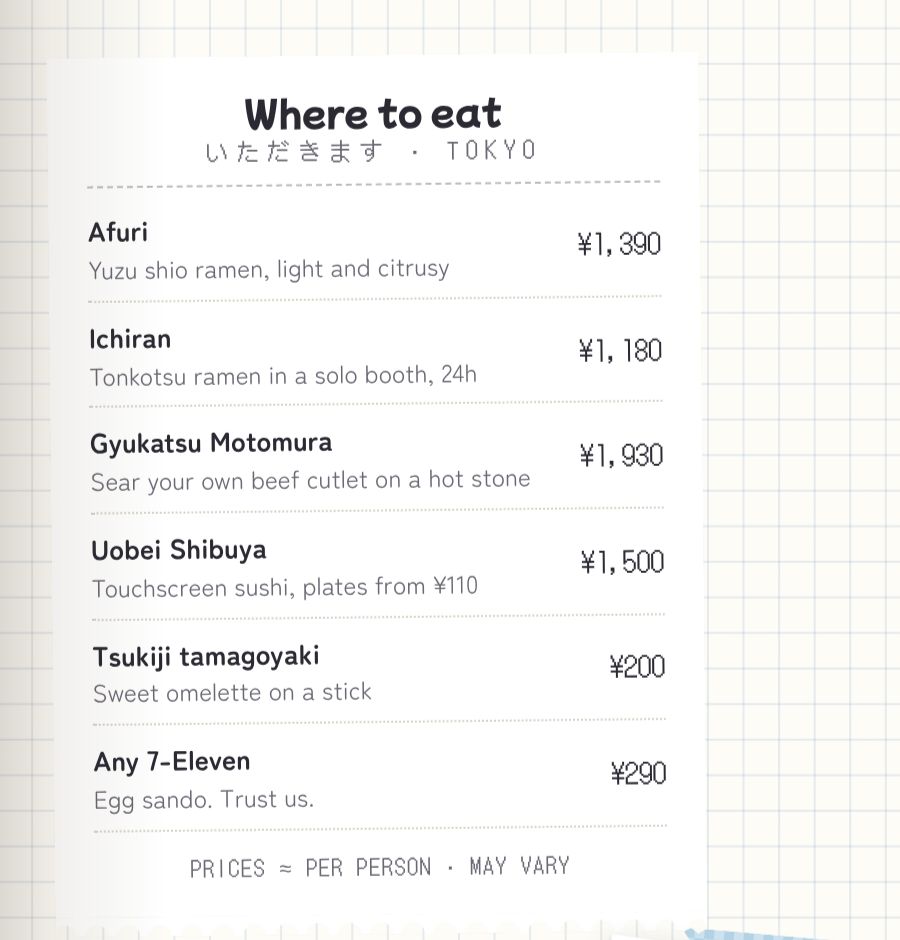
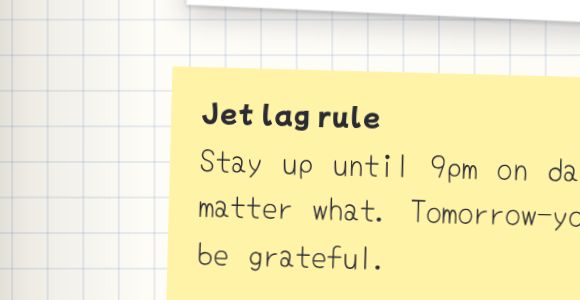
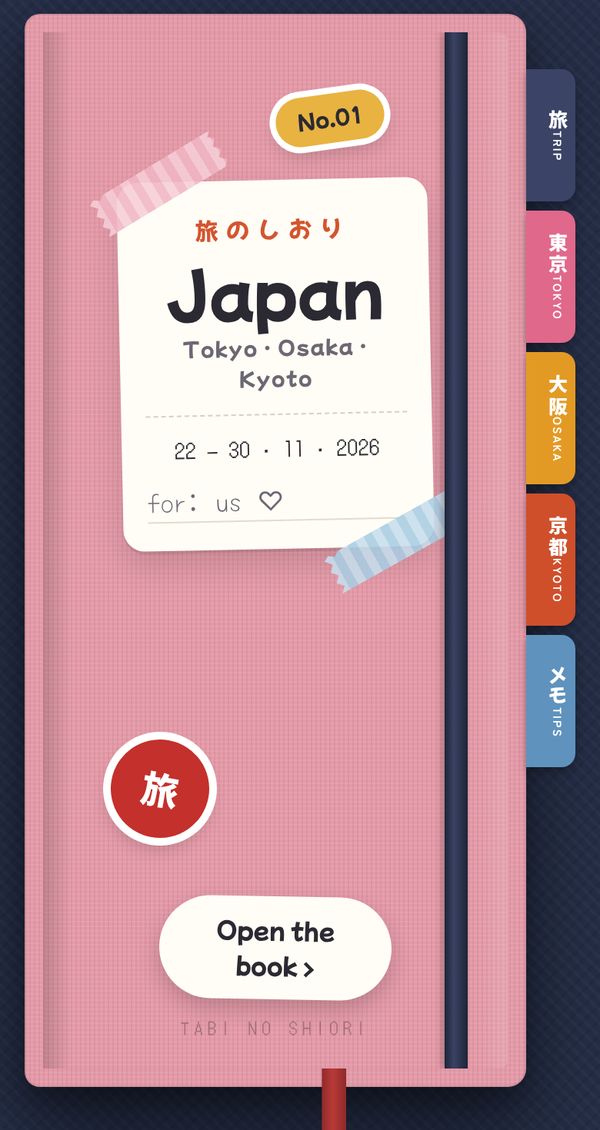
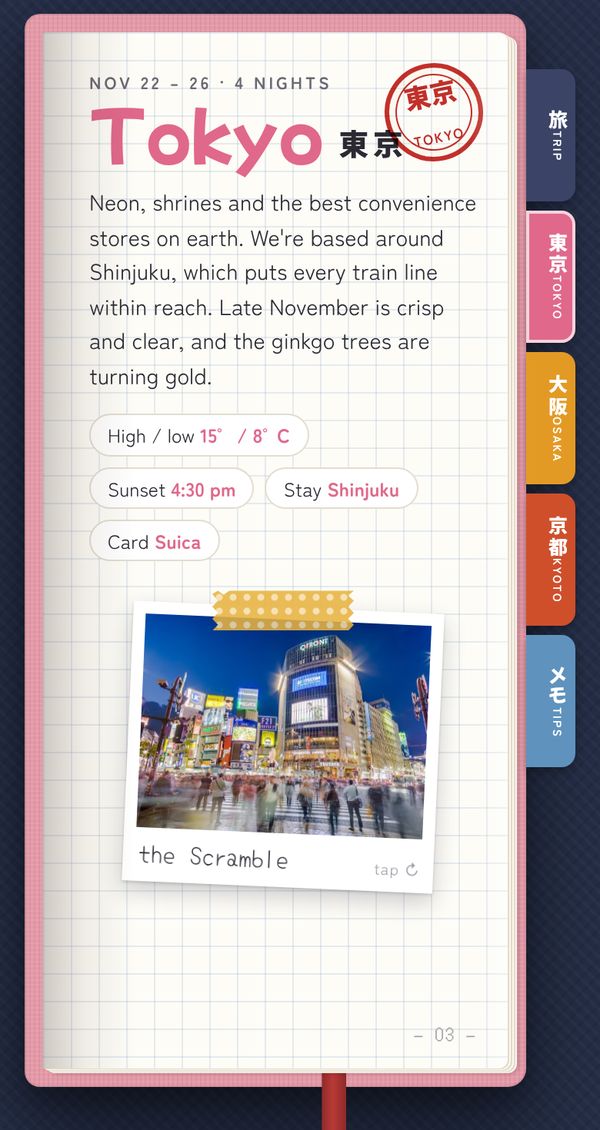
Everything on the page is something you could hold: tickets, a receipt from the restaurant list, polaroids with the note on the back, washi tape, sticky notes, a hanko stamp. None of it is decoration for its own sake. Each one carries information the trip needs, in the form that information would take on paper.

03
Reading it
Two pages on a desk, one in your hand.
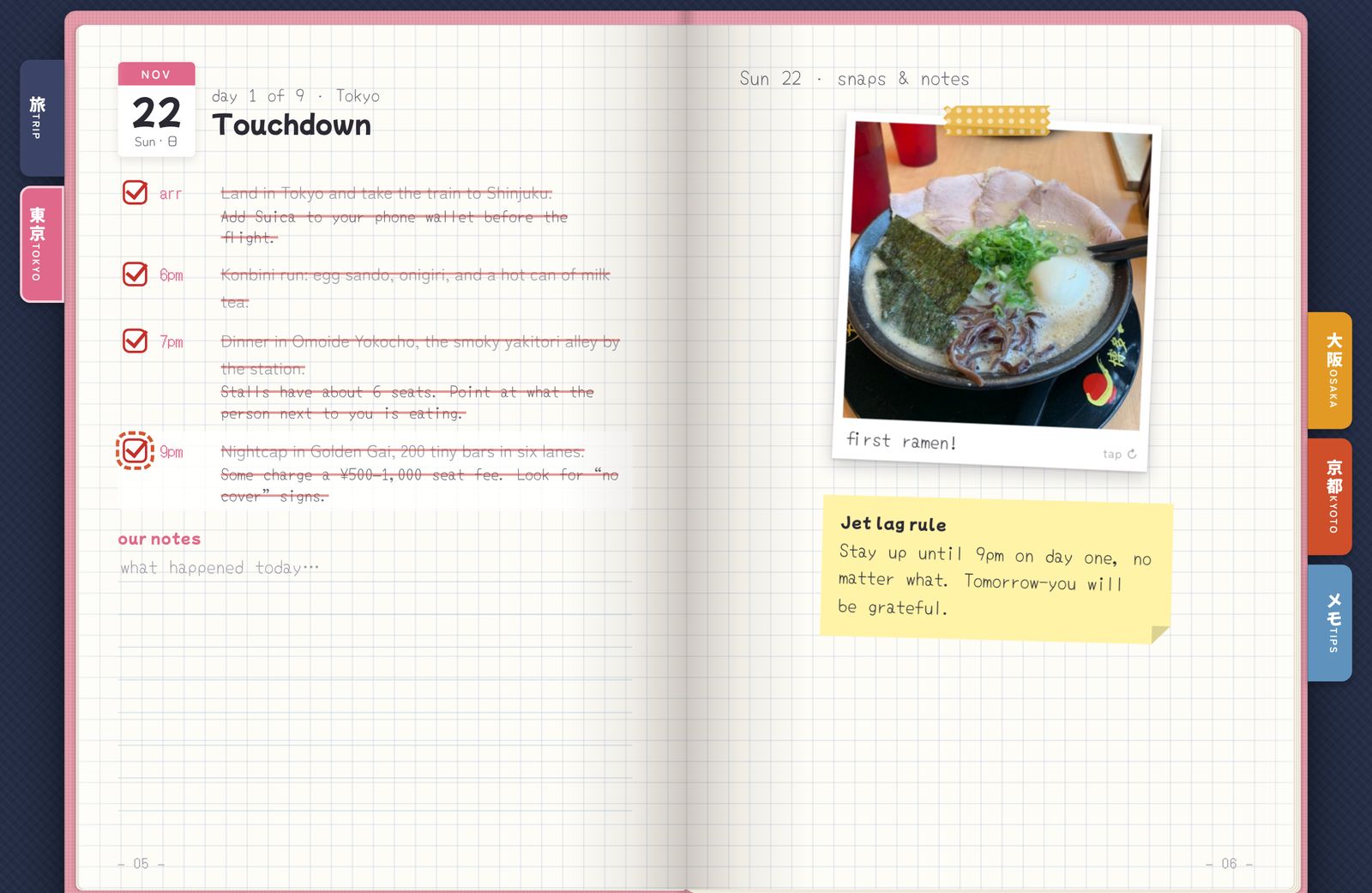
On a laptop the book lies open: two pages per spread, a leaf that turns in 3D when you tap a corner, and the index tabs on the fore-edge. On a phone it becomes a single page, same tabs, same turn, with a swipe. The arrow keys work too. The point of all the mechanics is one feeling: you know where you are in the trip without reading anything.
04
Ticking it off
Progress you can see across the room.
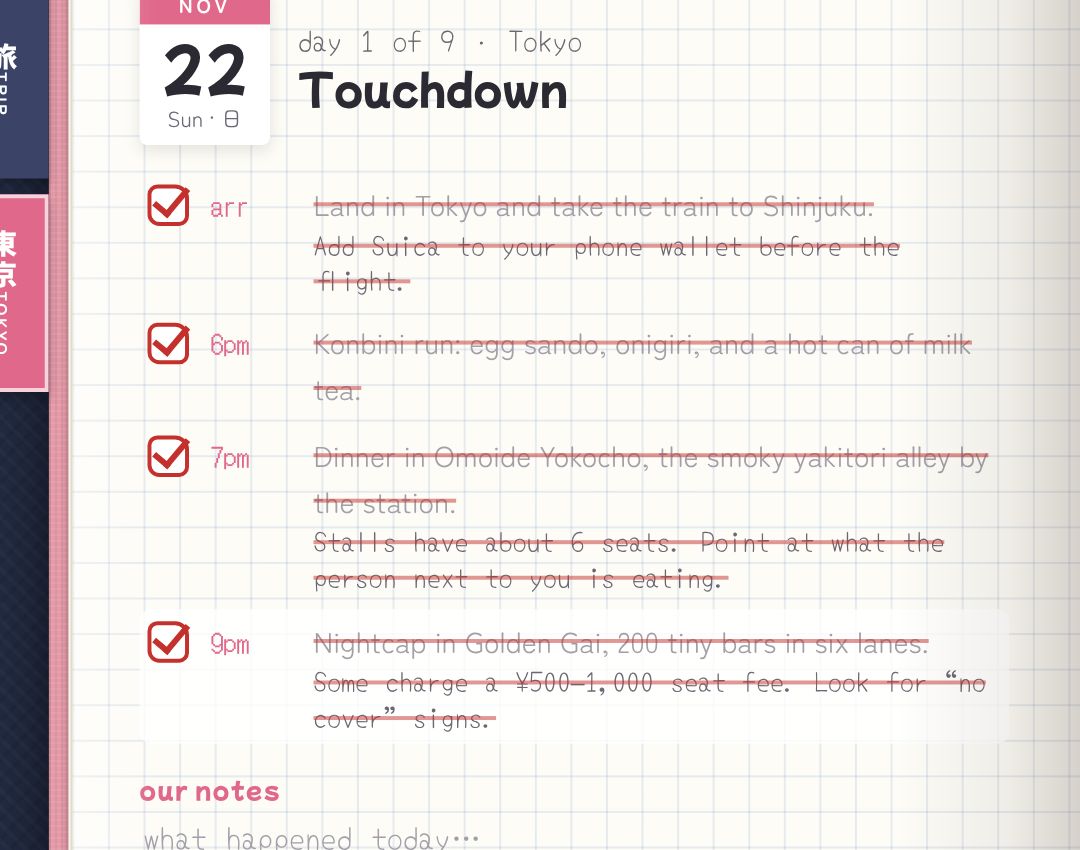
This is where the behaviour design lives. A plan you can tick is a plan you look at, and a stamp that inks in when a city is done is a small, silly reward that works. Tick the plans below; the Tokyo hanko fills as you go. In the booklet this state is saved on the device, so the stamps are still there the next morning.
day 1 of 9 · Tokyo
Touchdown
- arr
- 6pm
- 7pm
- 9pm
Stamp rally スタンプ
EACH CITY'S HANKO INKS IN AS WE TICK OFF ITS PLANS
The countdown is live: it counts sleeps to 22 November, switches to "day x of 9" during the trip, and says おかえり, welcome home, after. Small things, but they make the booklet feel like it knows what day it is.
05
Decisions
Six notes in the margin.
The rules I kept while making it, written the way the booklet writes its own advice.
06
Differently
What I'd change with hindsight.
I'd have built the phone page first and the spread second, instead of the other way round. The spread was the image in my head; the phone is what we will hold, and the single-page layout needed more rework than it should have.
I'd have left room for after the trip: a place for our own photos to replace the Commons ones, so the booklet becomes the album.
And I'd keep the rule that made it good: if it would not fit on paper, it does not go in.