05 · Phase 3
Three days in October
From my planner to a tool someone else can run.
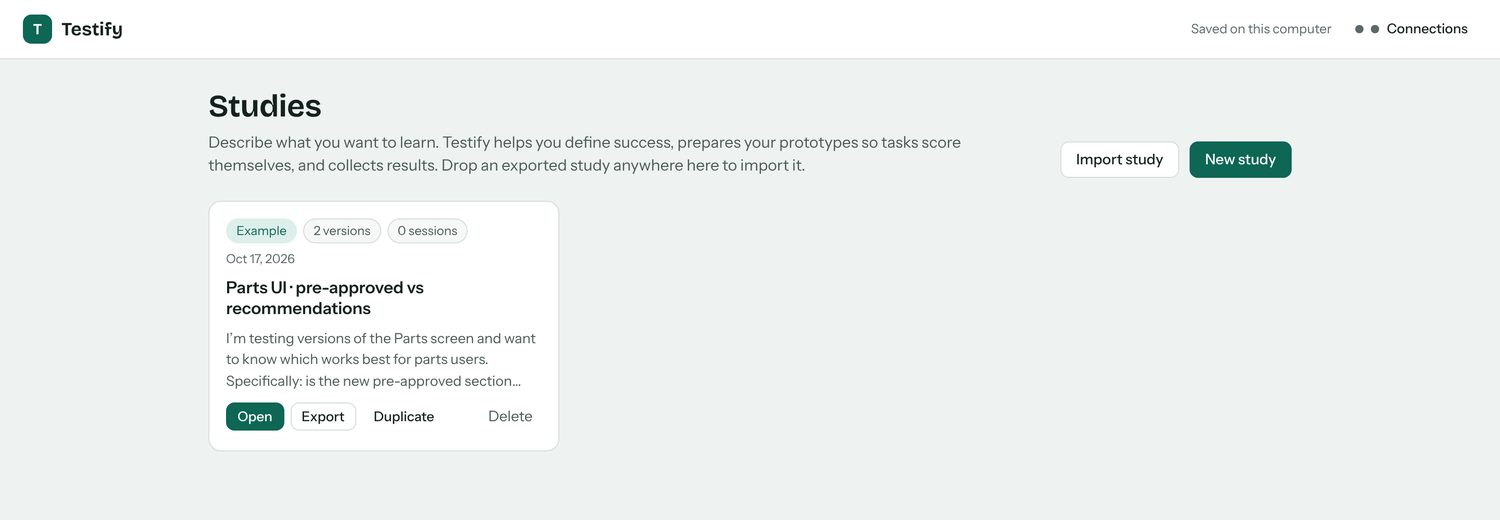
Over three days, October 16 to 18, Testify went from a planner only I could drive to a hosted tool with its own look, voice and participant flow. The bar I set: a junior designer, new to research, should be able to plan and run a fair study with it.
What I changed
Fewer questions, fairer versions.
✓Setting up. Hosted online, with storage so old studies are kept. One shared participant link instead of one per person. The code on GitHub, so I can work from the cloud or my PC, not only my Mac.
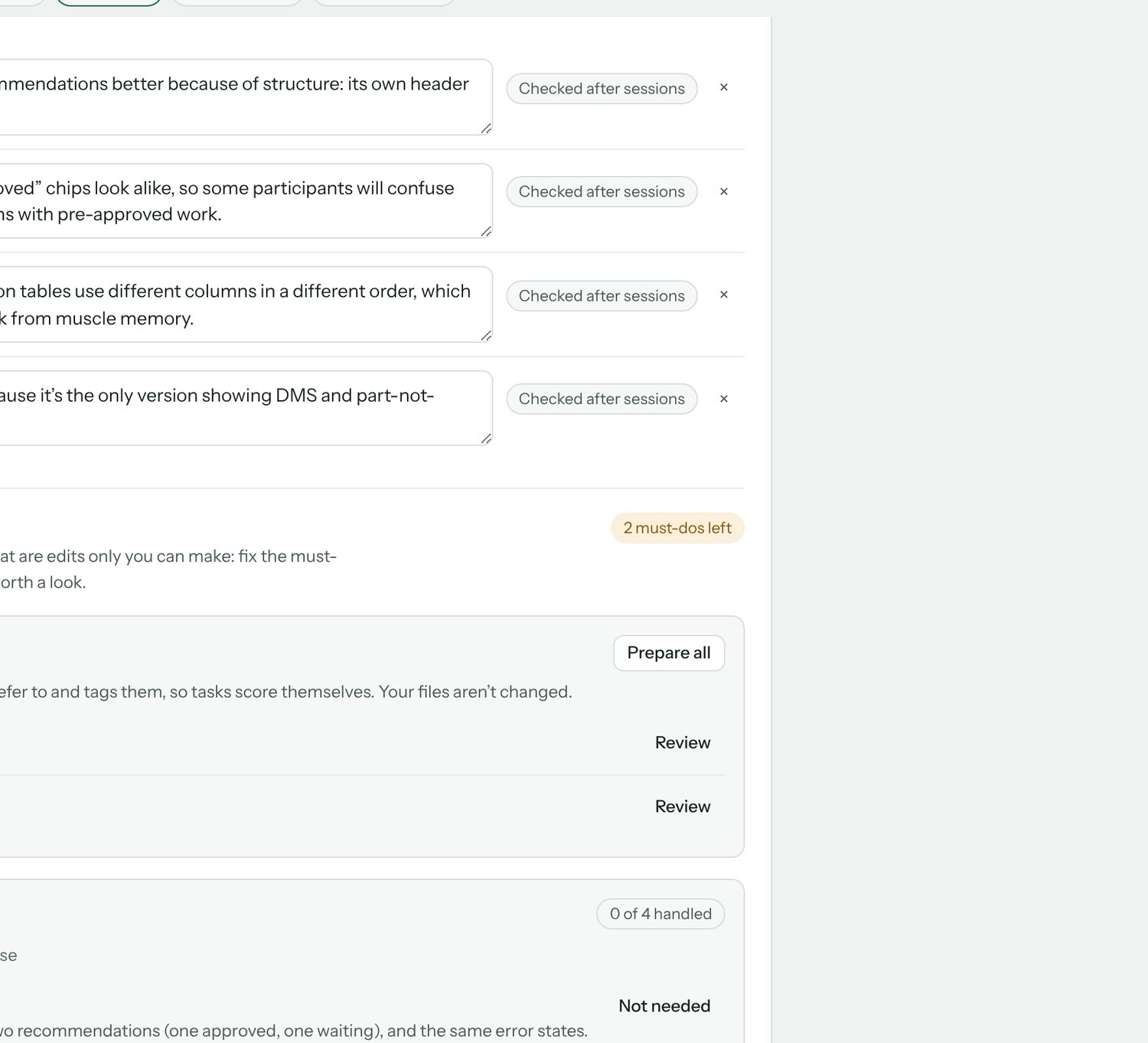
✓Fair prototypes. A current, a proposed and a neutral pre-approved version of the Parts prototype, all with the same realistic data and no developer-only alerts, with the differences made easier to see.
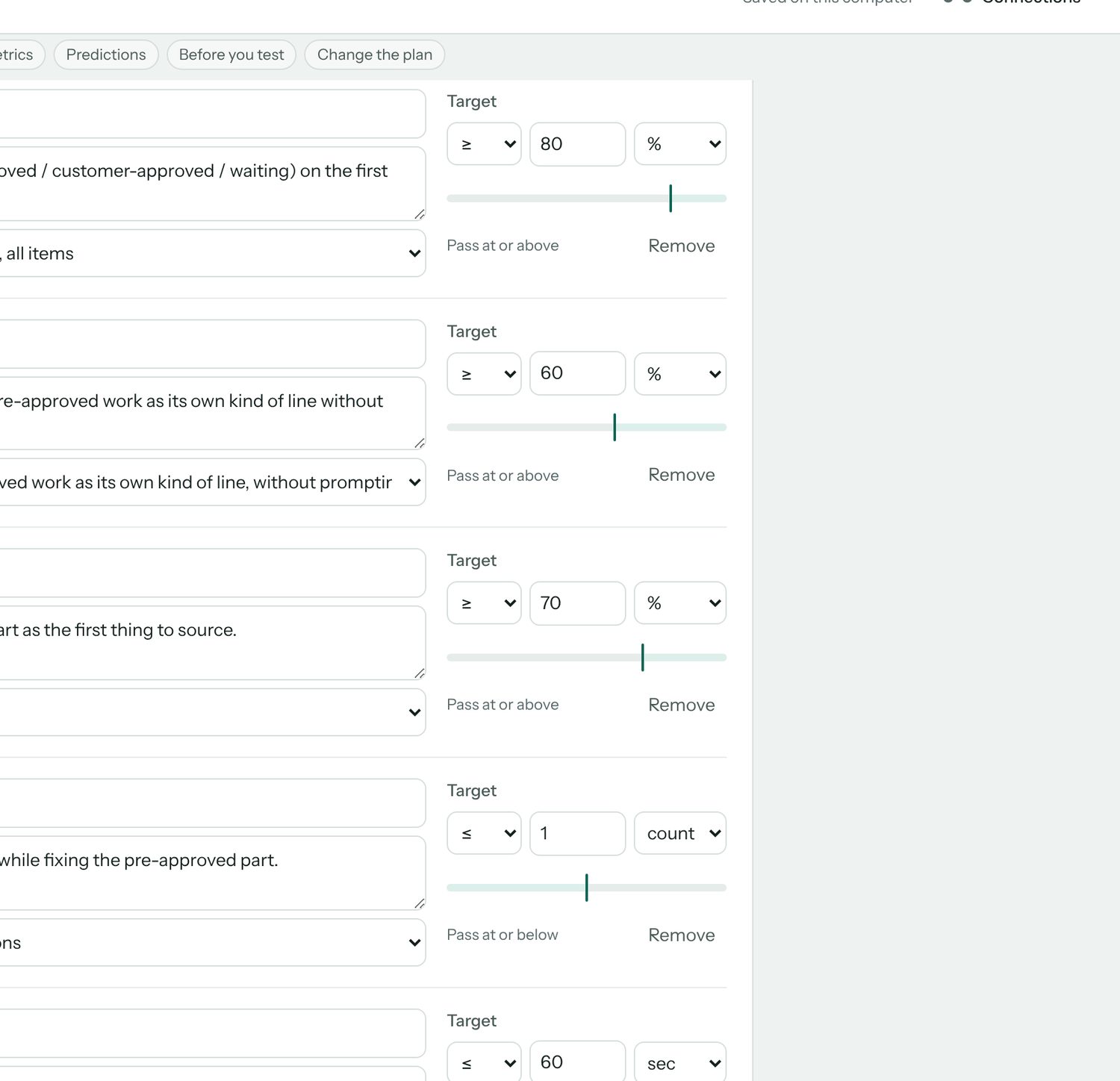
✓Simpler for a junior designer. An audit of the whole tool for someone new to research. Plain words, one question per screen, and questions that didn't help taken out. Targets made optional, and called targets, not goals. The tagging screen gone, and screenshots allowed when there is no prototype.
✓The flow. It starts with a chat: the study's name, what you want to learn, and whether you have designs. Prototypes come after the questions. A viewer flips between versions and takes screenshots, a Check step confirms PostHog is recording, and Next buttons say where they go.
✓Look and voice. A branding deck to find the voice, then my own mix of its directions: sharpened type, warmth and cream, and colours with one job each: pink only for the main action, violet for links and highlights, amber for what needs attention. Folds for long sections, and my gestalt rules: related things grouped, labels left, actions right.
✓Feedback and control. A Save button with a saved state, confirmation and Undo when marking something done, and Remove that looks like remove.
✓Participants. Answers required by default, with Optional per question. A Back button, zoom on pictures, and questions that say which version they're about. Tasks that finish only on the right action or "I'm stuck", a first click that ignores stray clicks, and a warning when an ad blocker stops the study. Confidence and ease questions stay off unless asked for, and the task card lights up when the next task starts, because a prototype that reloads looking the same reads as stuck.
✓Publishing. One Publish button gives a link participants can open, and Update republishes after a change with the same link. No more downloading a file and uploading it to a host.
✓Team sign-in. Coworkers sign in with their work email and get the team's connections automatically: no setup codes, no keys to paste. Studies stay private until shared, and each one can go to the whole team or to named people, as view or edit; viewers can duplicate to make their own.
✓Results that say what to do. A heatmap over the real prototype for each task, the most-clicked controls with wrong ones marked, and the common click paths. The AI summary reads clicks and answers together and comes back with what to change first, themes with word-for-word quotes, and what to look into next.
The look
Each colour has one job.
Warm Studio: Space Grotesk throughout, a cream page with a faint graph-paper grid, plum ink, crisp 6px corners and almost no shadow. This page wears it too.
PinkMain actions only. As a highlight it read as an error. #E0245E
VioletLinks, selection, focus and highlights. #6A44E8
LilacSmall soft surfaces: chat replies, selected tabs. #EADFF7
AmberNeeds attention, never an error. #A64B0C
ApricotSmall decoration, like the heading underline. #FF9E64
Cream and plumThe page and the ink. #FBF4EC · #3B1D3F
What I learned
The things I hadn't thought to ask for.
Most of these came up while pair-building with Claude, raised at the moment they mattered rather than in a list at the end.
MethodShuffle the design order.Otherwise one design is always seen first, and that alone changes how people react to it.
MethodTargets answer "is it good enough?"Comparing says which design is better. With 5–8 people a small gap can be chance, so a target shows whether the winner is worth acting on.
MethodGive a "Not sure" option.Without it, a lucky guess counts as a right answer.
MethodShow the AI the screens first.Follow-up questions then match what's on screen. Ask early whether designs exist, but let the goal lead, not the prototype.
FairnessOnly the thing you're testing should differ.Each difference is marked Intended or Fix, and the fixes happen before anyone takes the study.
FairnessAlerts and placeholders count too.An error message in one version, or a broken image, changes behaviour for reasons that have nothing to do with the design.
HostingA link beats a file.A downloaded participant page is a snapshot that has to be re-uploaded after every change. A published link updates in place.
HostingAnalytics has two kinds of key.The project key only sends data and is safe in a public page. The personal key reads results and stays private.
HostingAd blockers stop analytics, and some fake it.Some answer with an empty reply instead of failing, so a real check looks for real replies.
DesignGive each colour one job.Pink caught the eye, but as a highlight it read as an error. So pink became the action colour only, highlights went violet and warnings amber.
DesignA voice can be a short rule set.Fact first, then one line of why. Two sentences at most, no exclamation marks, never grade the designer.
DesignFocus shouldn't look like selection.A violet focus ring after zooming read as "chosen", so focus got its own style.
TeamSign-in is the setup.Copying a setup code between browsers was the step coworkers stumbled on. Signing in now carries the connections with it.
TeamAn empty browser mustn't win.A first sign-in from a fresh window would have saved a blank setup as the team's. Each connection now moves as a whole, and only fills gaps.
PrivacyRecord what a control says, not what was typed.Click labels come from the button or the field's name, so no participant's input ends up in the results.
AnalysisClicks say where, quotes say why.Either alone sends you guessing. Read together, they turn into a change you can make.
Habit
01Check the versions differ only in what you're testing before anyone takes the study.
Habit
02Try the study yourself in Preview, then once for real in a clean browser.
Habit
03Publish once, then press Update after every change. The link stays the same.
Habit
04Wait a few minutes before deciding data is missing.
Habit
05Write down what future sessions should know, so the tool's context doesn't live only in my head.